Components
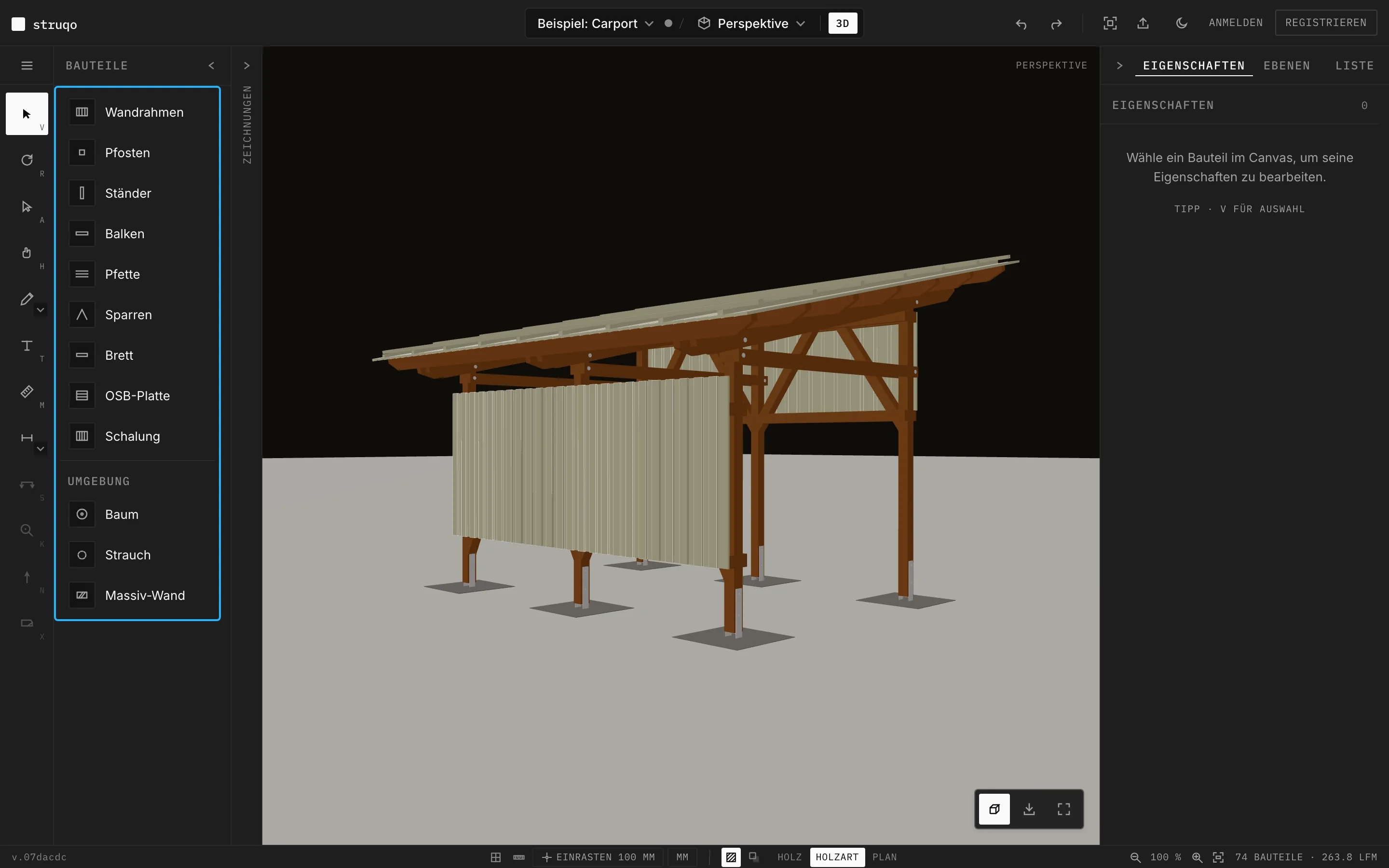
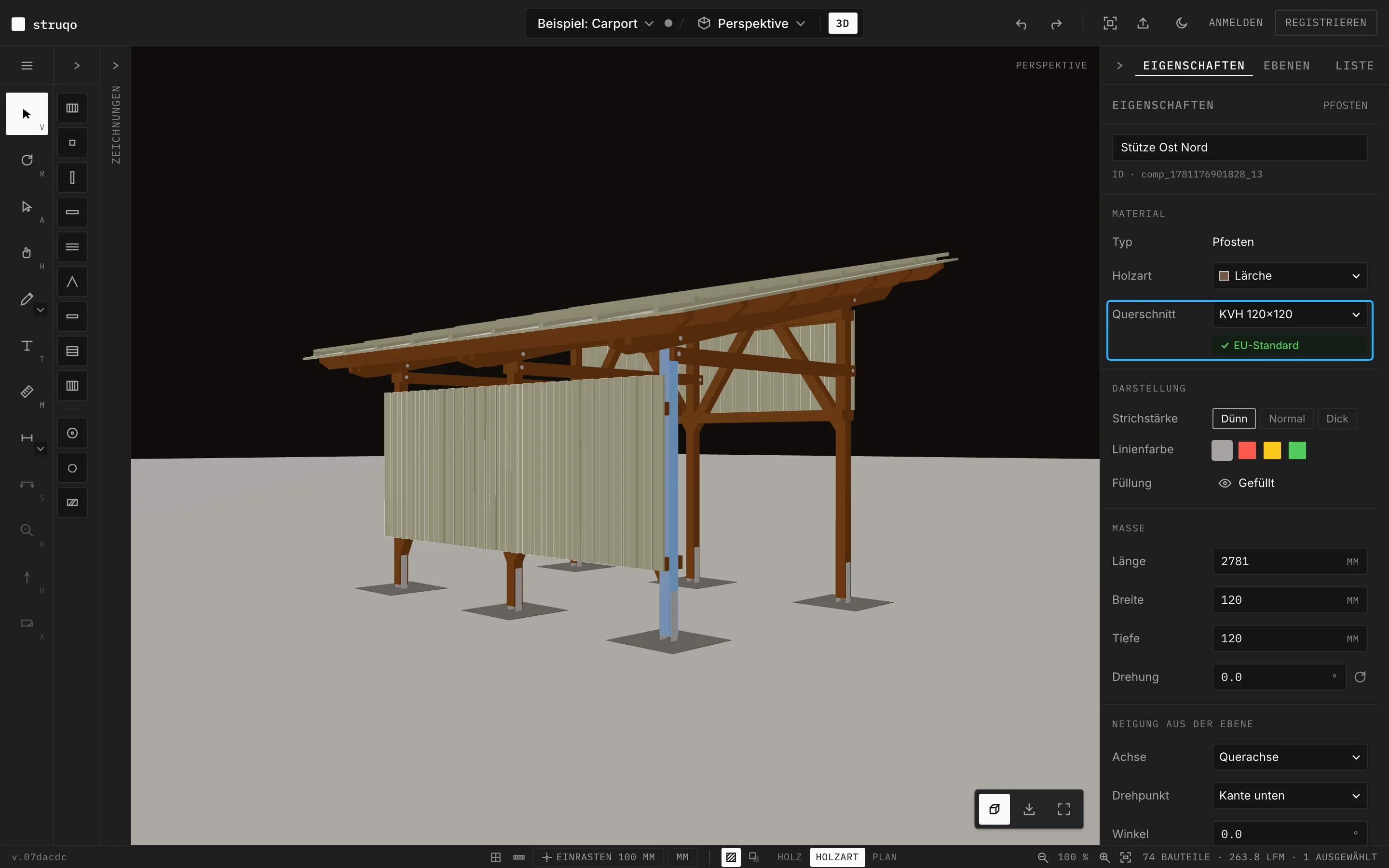
A post in Struqo carries its cross-section, its wood species and its length, and the cutlist counts it. Here you see which components exist and what each one knows about itself. The control each section is about is marked in the picture.
Twelve components in the bar.
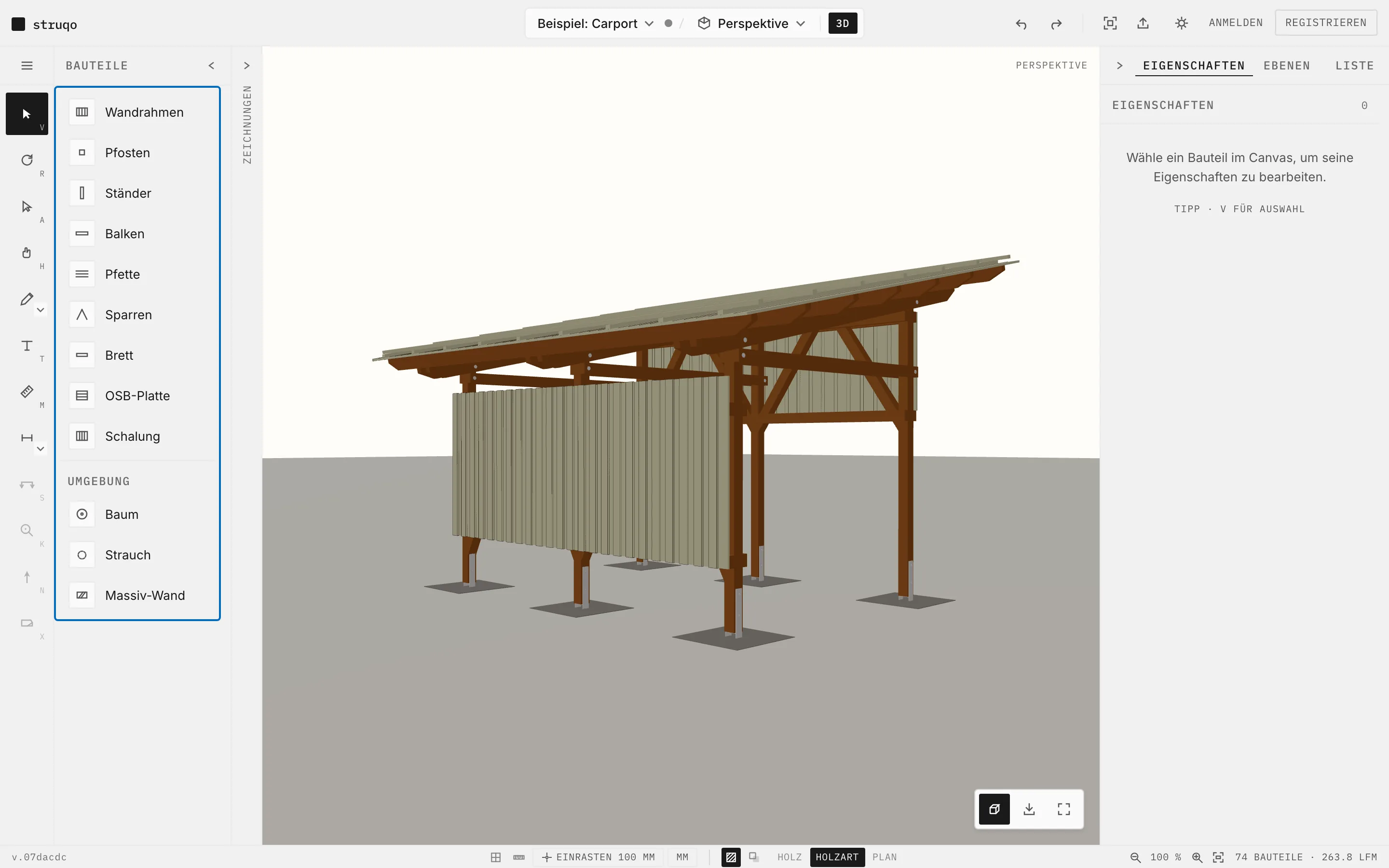
Wall frame, post, stud, beam, purlin, rafter, board, OSB panel and cladding, plus tree, shrub and solid wall under “Environment”. Every timber component arrives with a common cross-section, the post for instance with KVH 120×120. The example carport gets by with five of them.
More
- Beams start as BSH 100×200, purlins and rafters as KVH 60×160, the board as Schalbrett 24×140.
- New timber components start in spruce.
- Tree, shrub and solid wall stand for the surroundings and do not count towards the cutlist. Tree and shrub so far appear only in the floor plan.
Cross-sections from the timber yard.
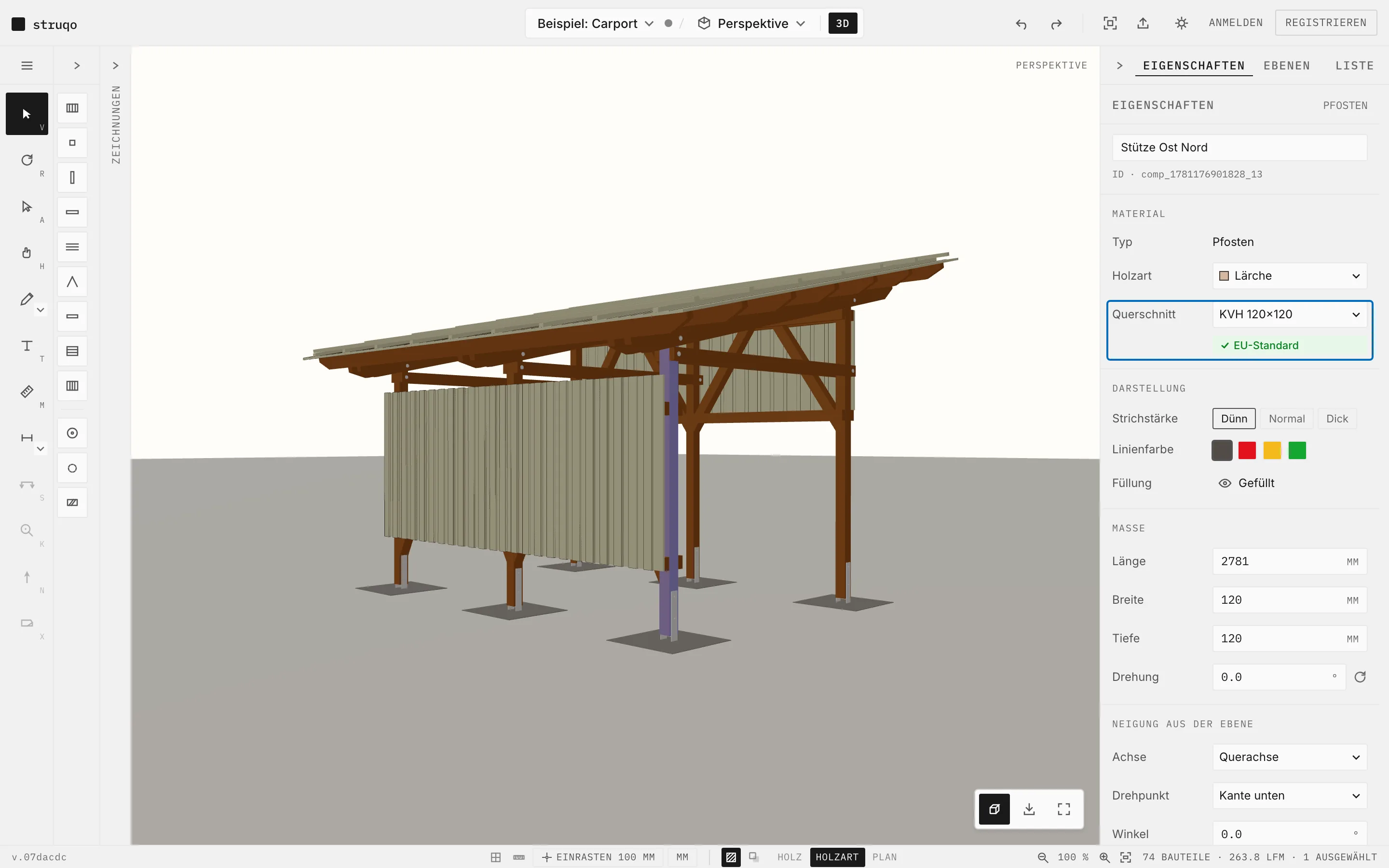
In the panel you pick the cross-section from 27 presets: structural solid timber (KVH), glulam (BSH), OSB panels, battens and squared timber, boards and planks. When the component's sizes match the preset, “EU standard” appears below. If you deviate, Struqo lists the sizes the trade carries.
More
- “EU standard” confirms that the sizes match a common trade size.
- Length, width and depth stay free to type, to the millimetre.
- Struqo estimates materials. A structural engineer sizes cross-sections and connections before construction.
Every component has its wood species.
Seven species to choose from: spruce, silver fir, pine, oak, larch, Douglas fir and beech. With the “Species” display in the status bar, Struqo colours every component by its species. In the example the frame is larch, the cladding silver fir.
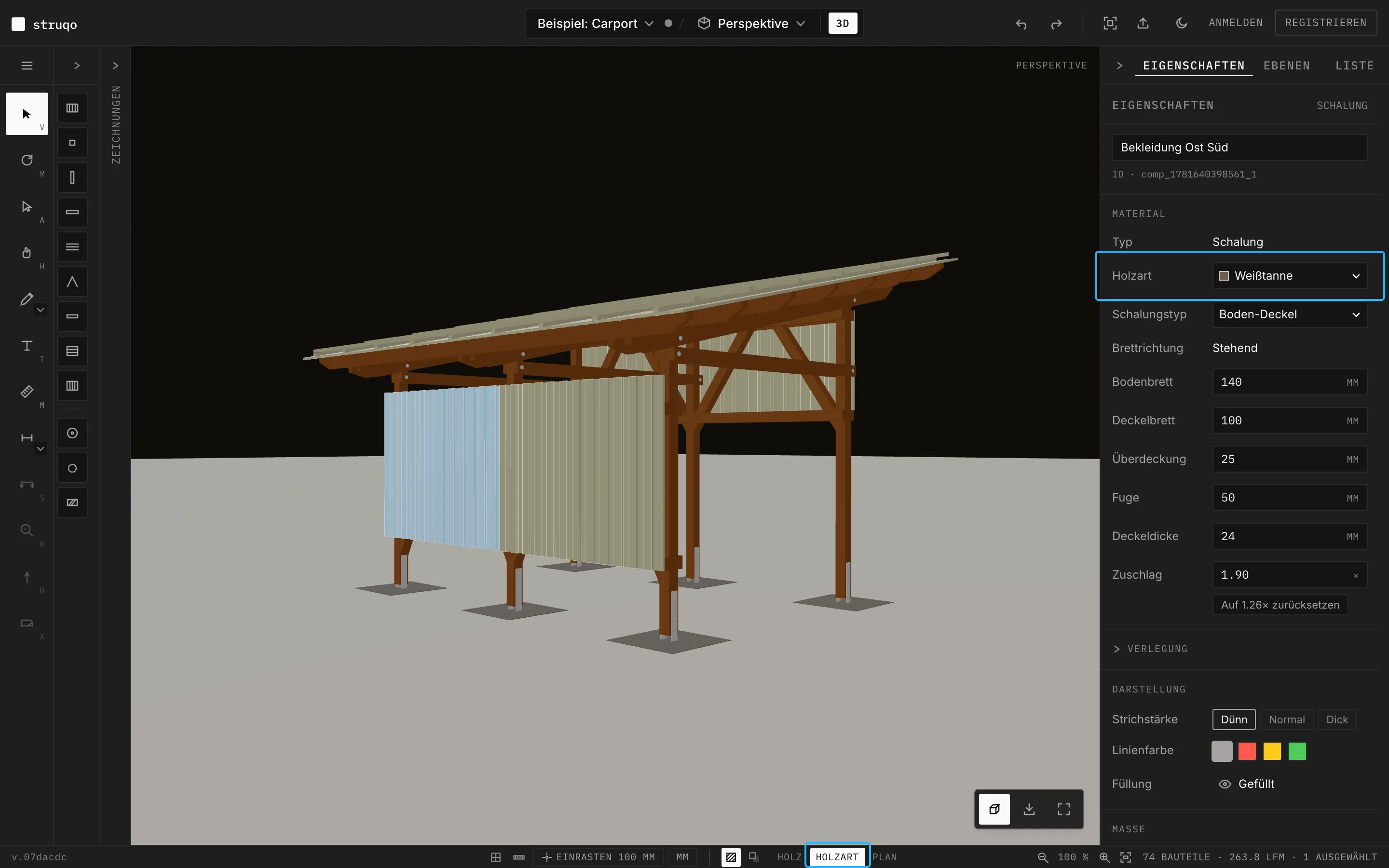
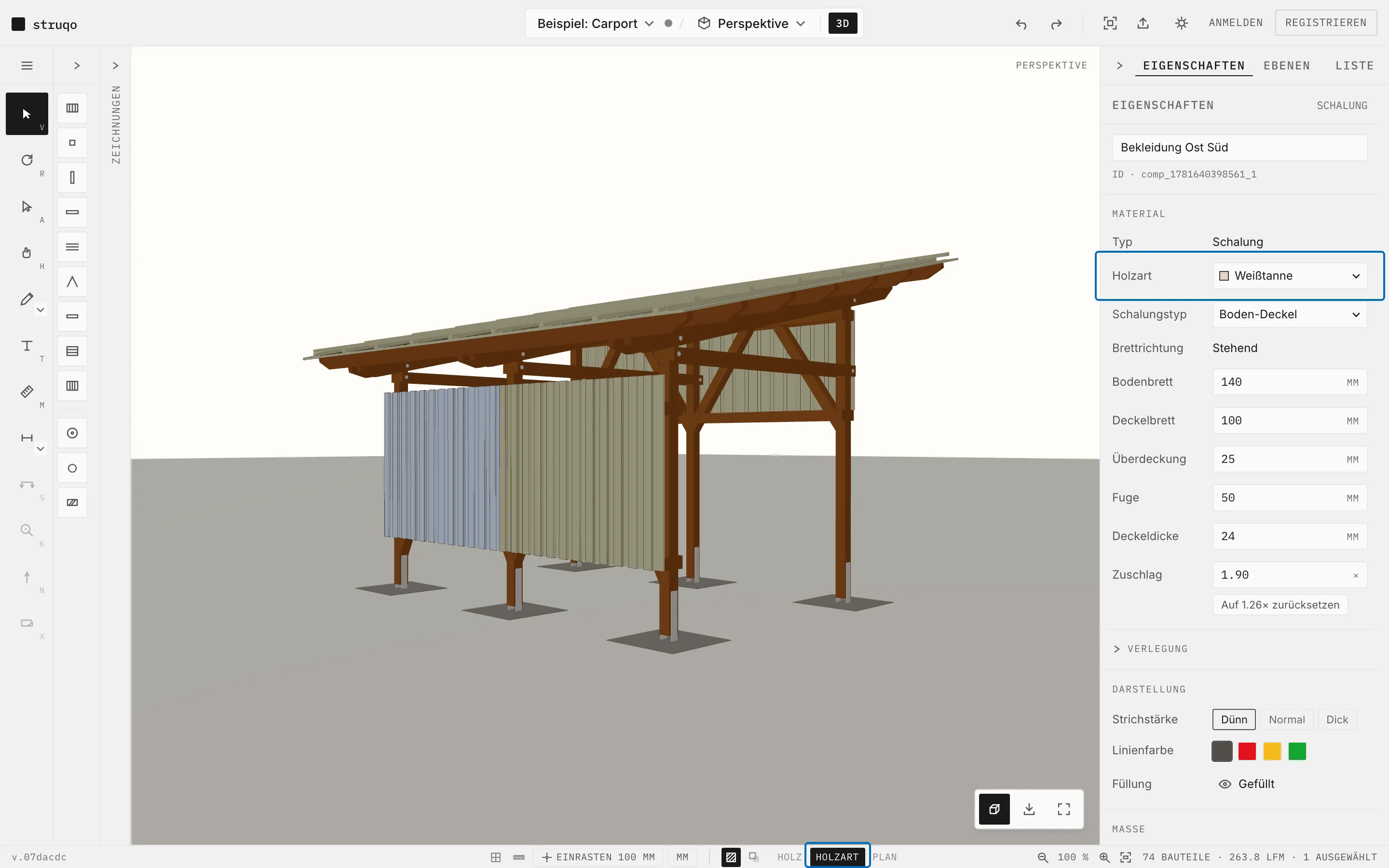
More
- The “Species” display works in 2D, in 3D and in print.
- Next to it are the “Wood” and “Plan” displays.
- The cutlist shows the species on every line.
The cutlist keeps count.
The “List” tab shows what you have drawn: component, species, length, cross-section, pieces and quantity, grouped into lumber, sheathing and fasteners. Change a component and the list recalculates at once. You are still welcome to count along.
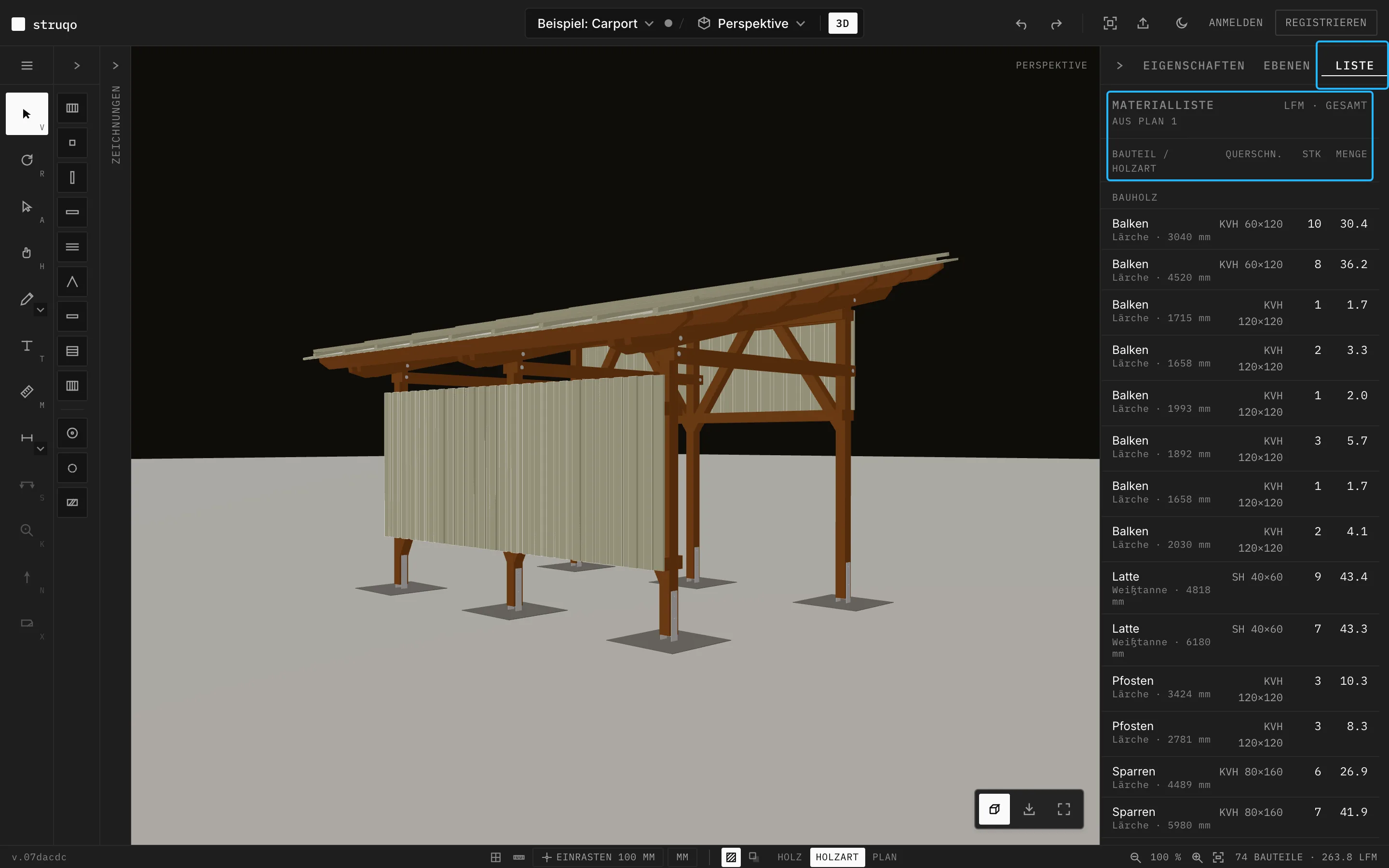
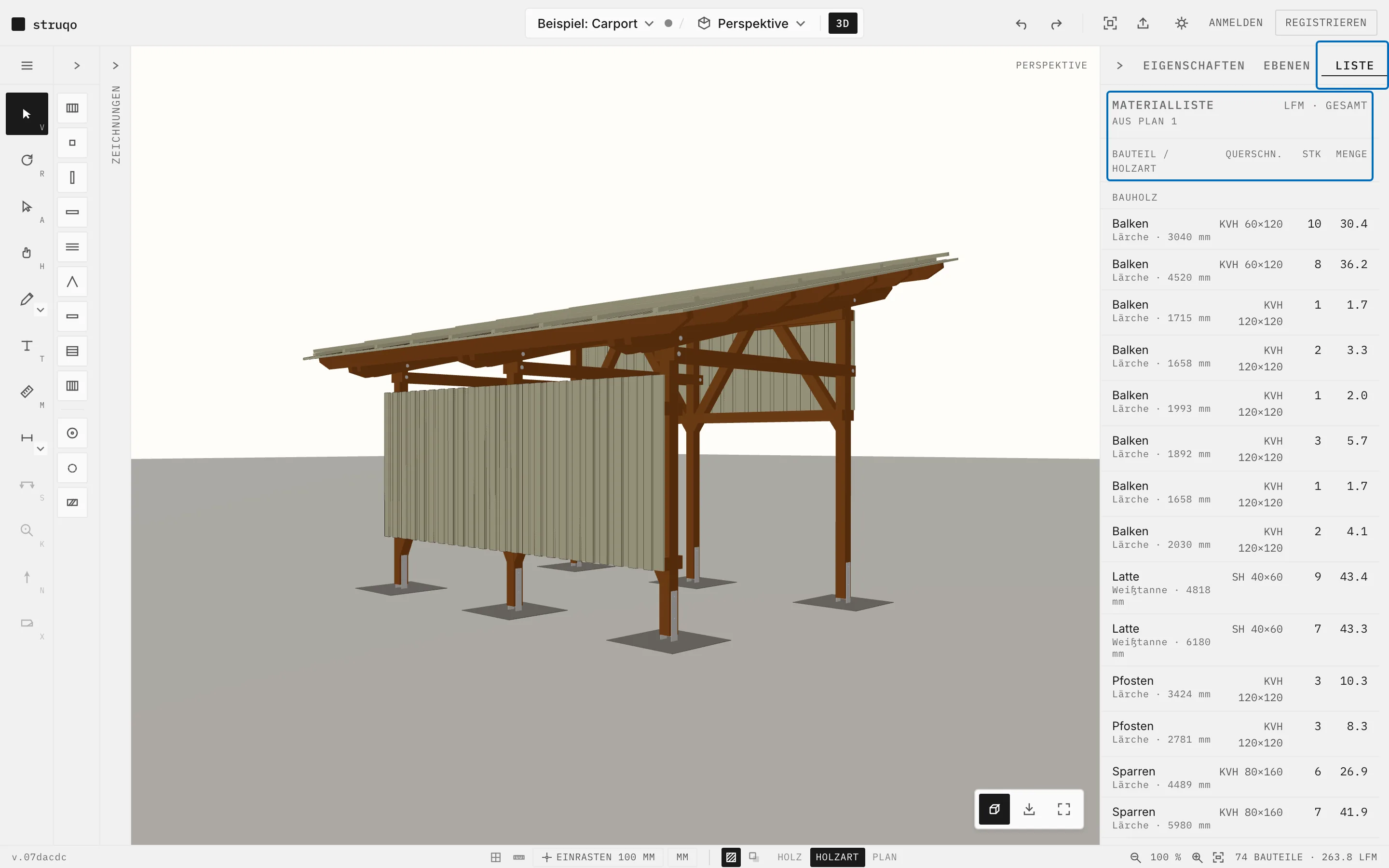
More
- Below it are the order quantities per cross-section and species, with 10 % waste you can adjust.
- In every drawing, a click on a line selects its components.
- The cutlist exports as CSV to pass on.
- Components without a material are not counted.
Try out a few components
The example opens in the perspective, no account needed. Click a post and the panel shows what it knows about itself.