What happened in the workshop
Every Monday this page lists what was added the week before and what no longer sticks. It covers what you notice while planning. Is anyone still at the workbench here? Yes.
- Week 43
New
Printing the plan set shows content right away, and the example carport's PDF is down to 376 KB.
Round the corners of a polygon with a radius, and bend straight edges into an arc.
If Struqo does not run on your computer, it tells you in your language what is wrong and what you can do; the help page lists the browsers the editor runs on.
Bugs fixed
If you created projects before May 2026, the project list opens again for you.
Sign-up checks exactly two password rules: 8 characters, letters and digits. Every login form shows a loading indicator while it waits.
If you arrive on a phone via “Plan a carport”, you can again send yourself the template link for your computer.
Polygons keep their shape when you change the height and move as a whole. The panel shows which corner is selected.
- Week 42
New
Once north is set, Struqo shows your design's shadow for a chosen day and time, in 3D, in the floor plan and on the printout.
The carport template stands on H post bases and comes with the roofing as a component of its own. The bracing meets the posts at the bottom. The cutlist lists the bases with their screws and counts the sheets.
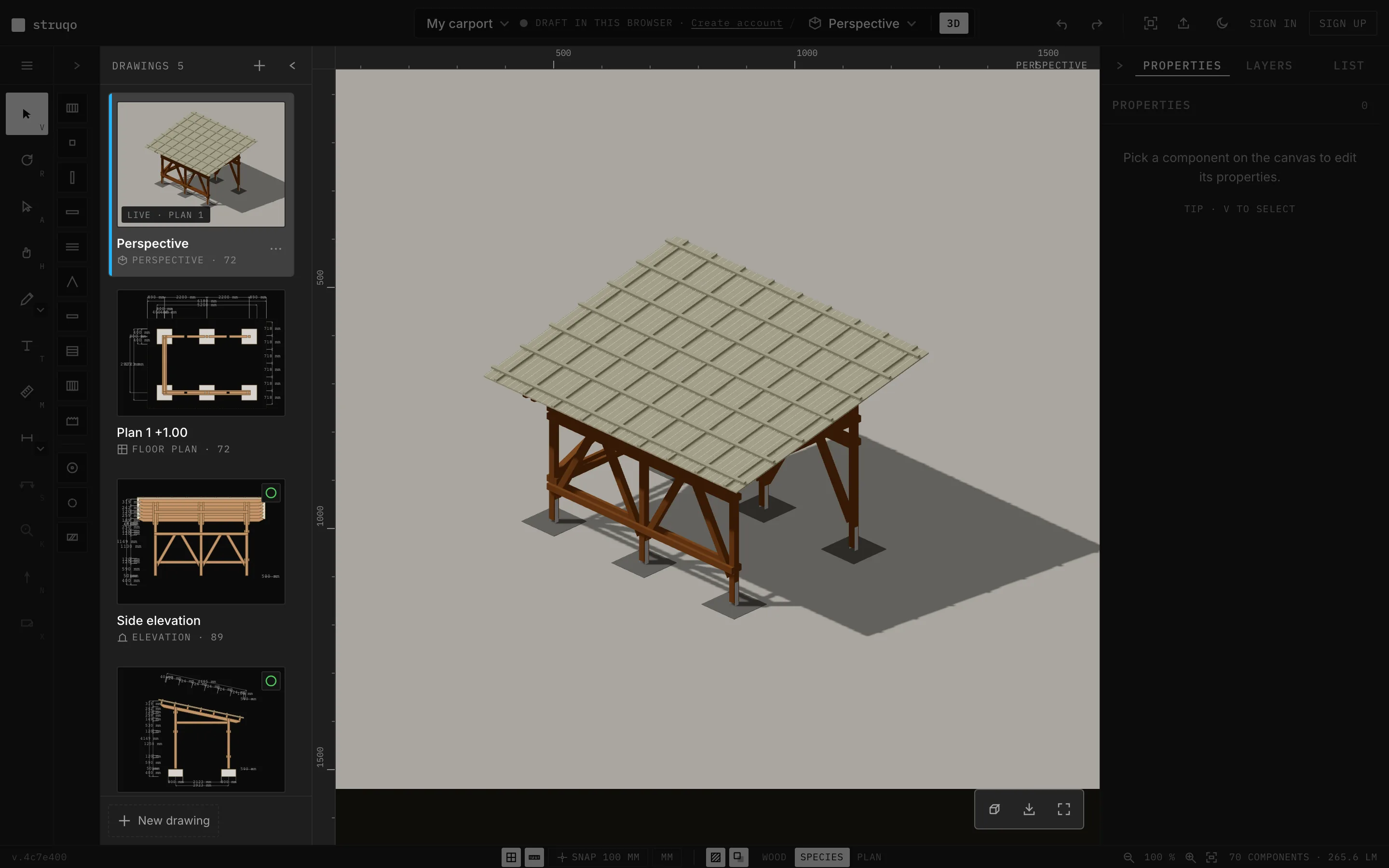
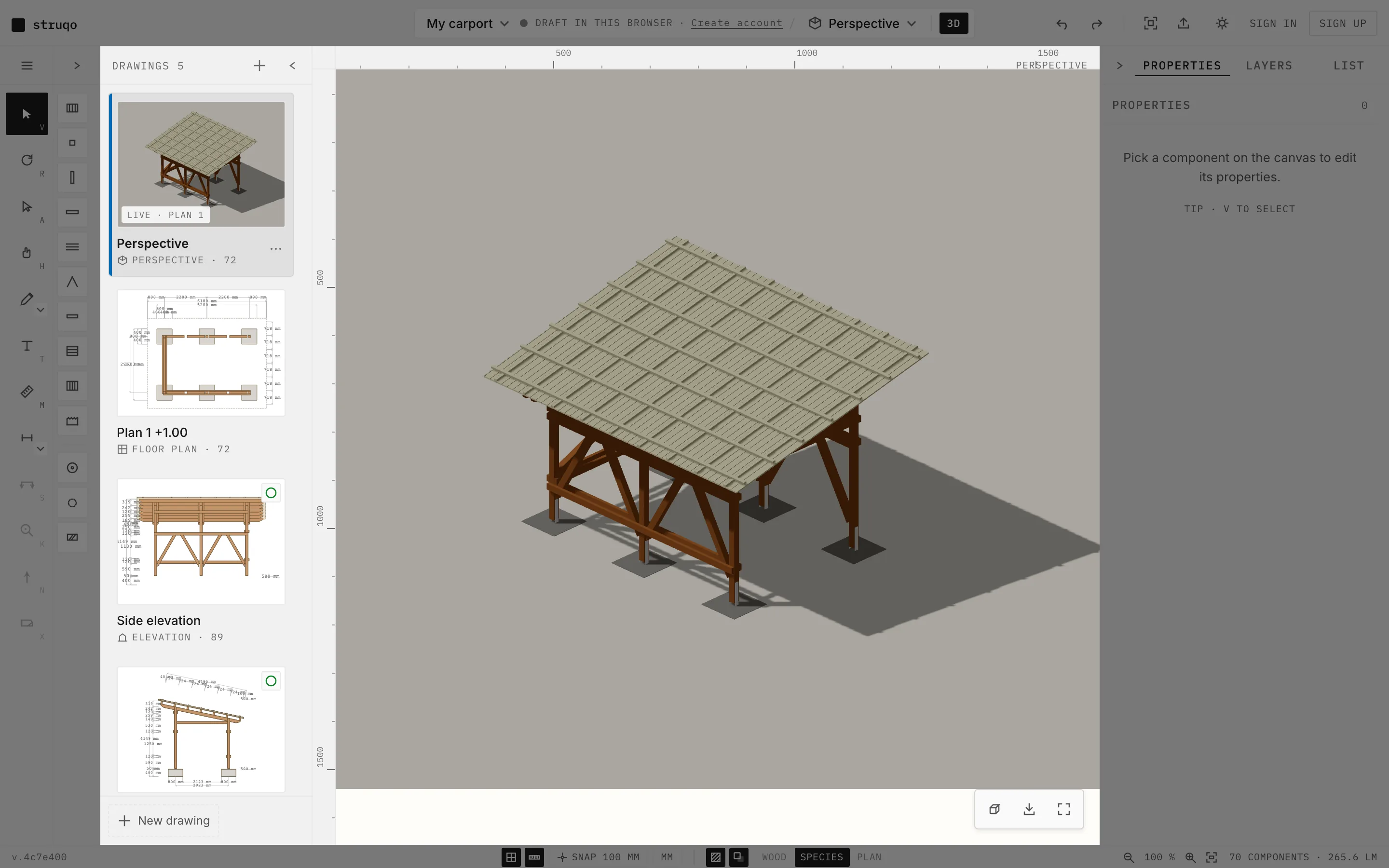
Try it in the carport template In the template dialog you enter the clear passage width, the size you measure at your car. The roof width follows from it. The narrow-passage warning says what it measures and from which roof width it fits.
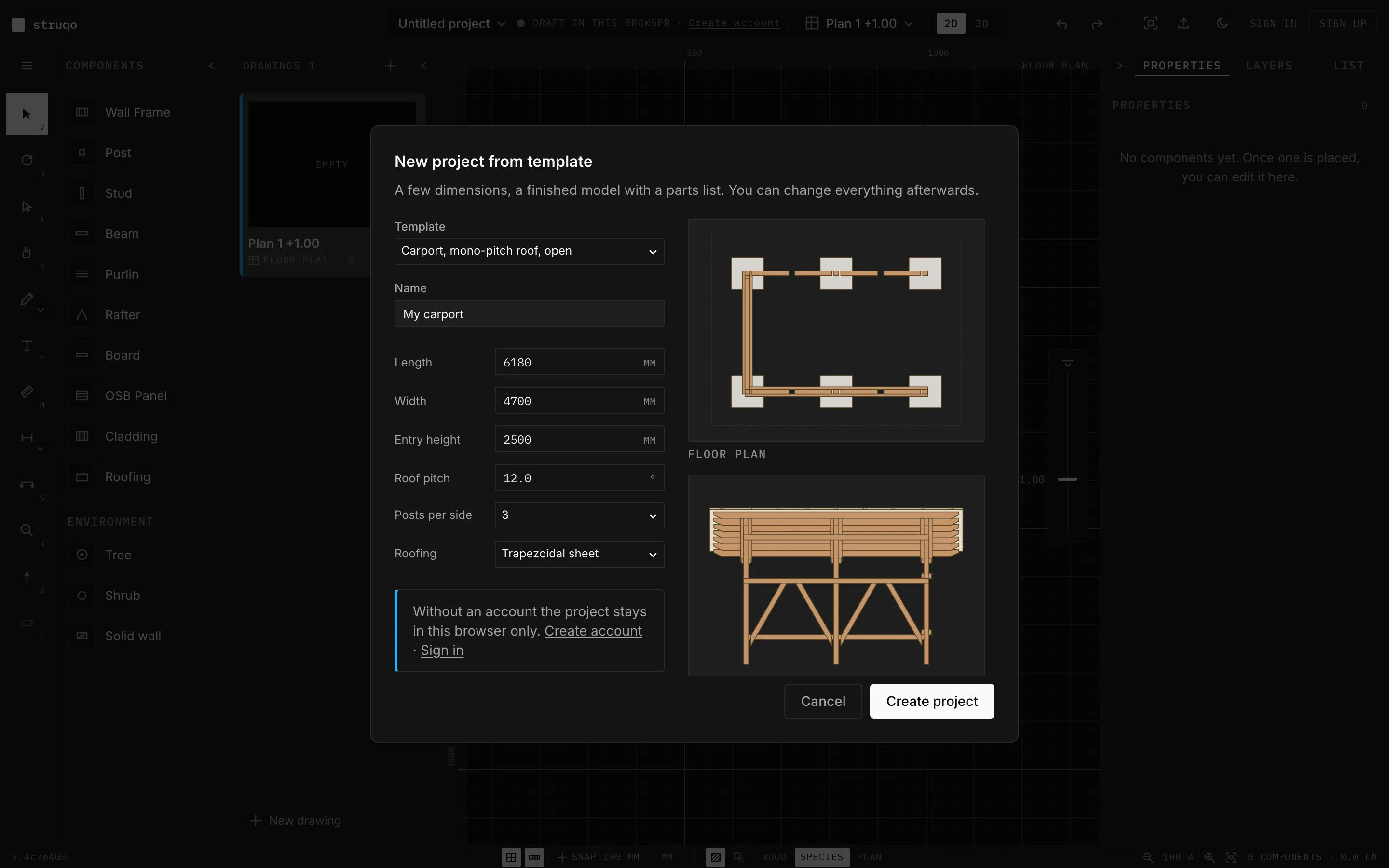
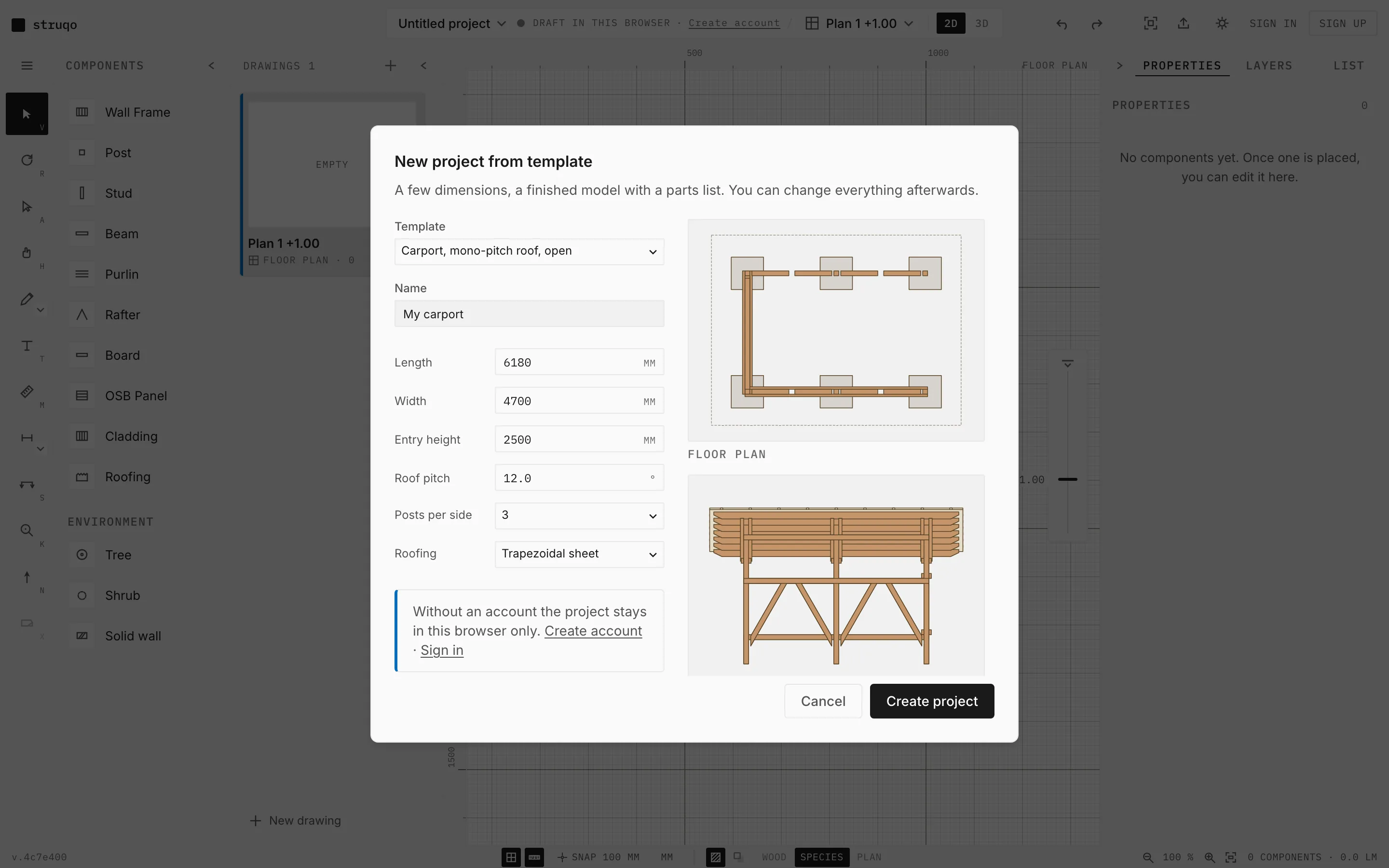
Try it in the carport template
- Week 41
New
The cutlist names what you buy at the timber merchant: the usual stock length per item, and an order on the printed sheet.
You can change the example carport as a guest, and your changes stay in your browser. Struqo asks for an account only when you save.
Roofing is a component of its own: trapezoidal sheet, corrugated sheet or bitumen membrane. The cutlist counts sheets and rolls.
On the detail sheet, the position numbers sit right on the timbers, on screen and on paper.
Bugs fixed
The English cutlist names wood species, screws and connectors in English.
In the print dialog the print button stays visible at the bottom, however many drawings you pick. In Safari it now says which paper size to set.
PNG export now also delivers the picture you see in perspective and in every 3D drawing.