Account
Struqo runs in the browser, on any computer, with nothing to install. You can start without an account; your work then stays in the browser where you began it. With an account it lives on the server and opens wherever you sign in. Here is what Struqo stores where.
Start without an account.
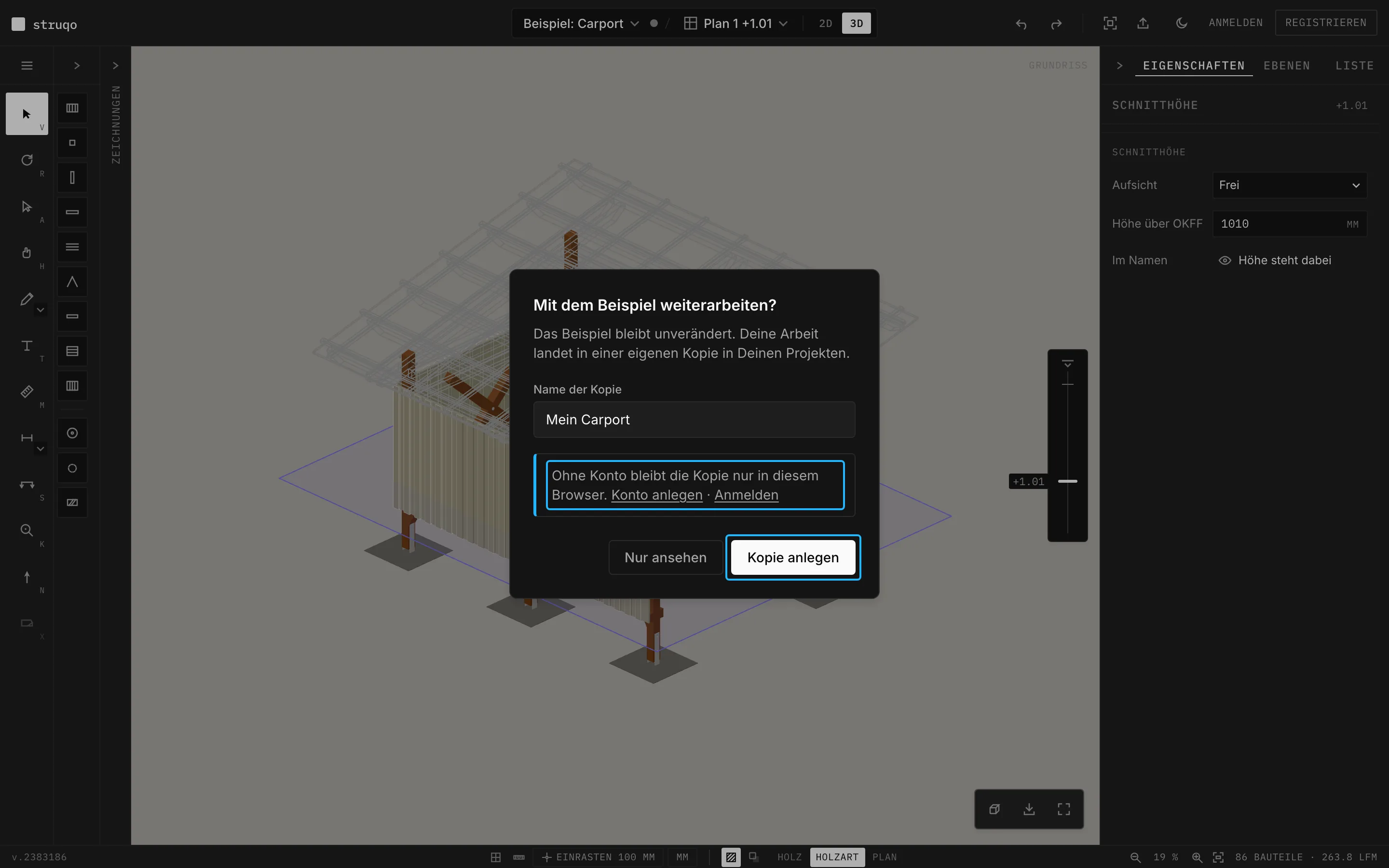
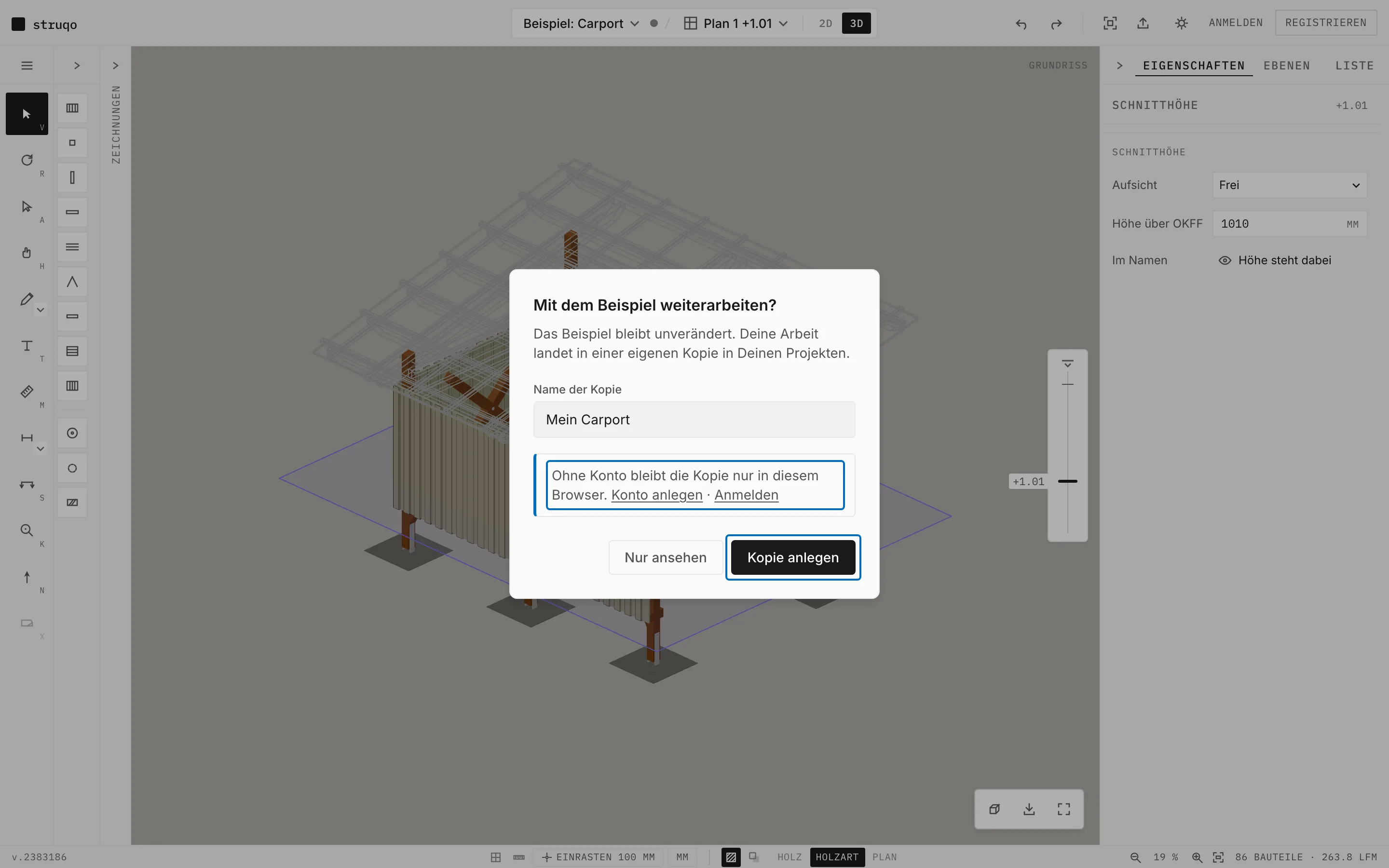
The editor and the example carport open without signing in. You can draw, look at every view, export and print. To keep working on the example, you create a copy of your own. The example itself stays as it is.
More
- Export as PNG, SVG and CSV and printing to PDF work without an account.
- “Just looking” resets the example to how it was delivered.
Your copy lives in the browser.
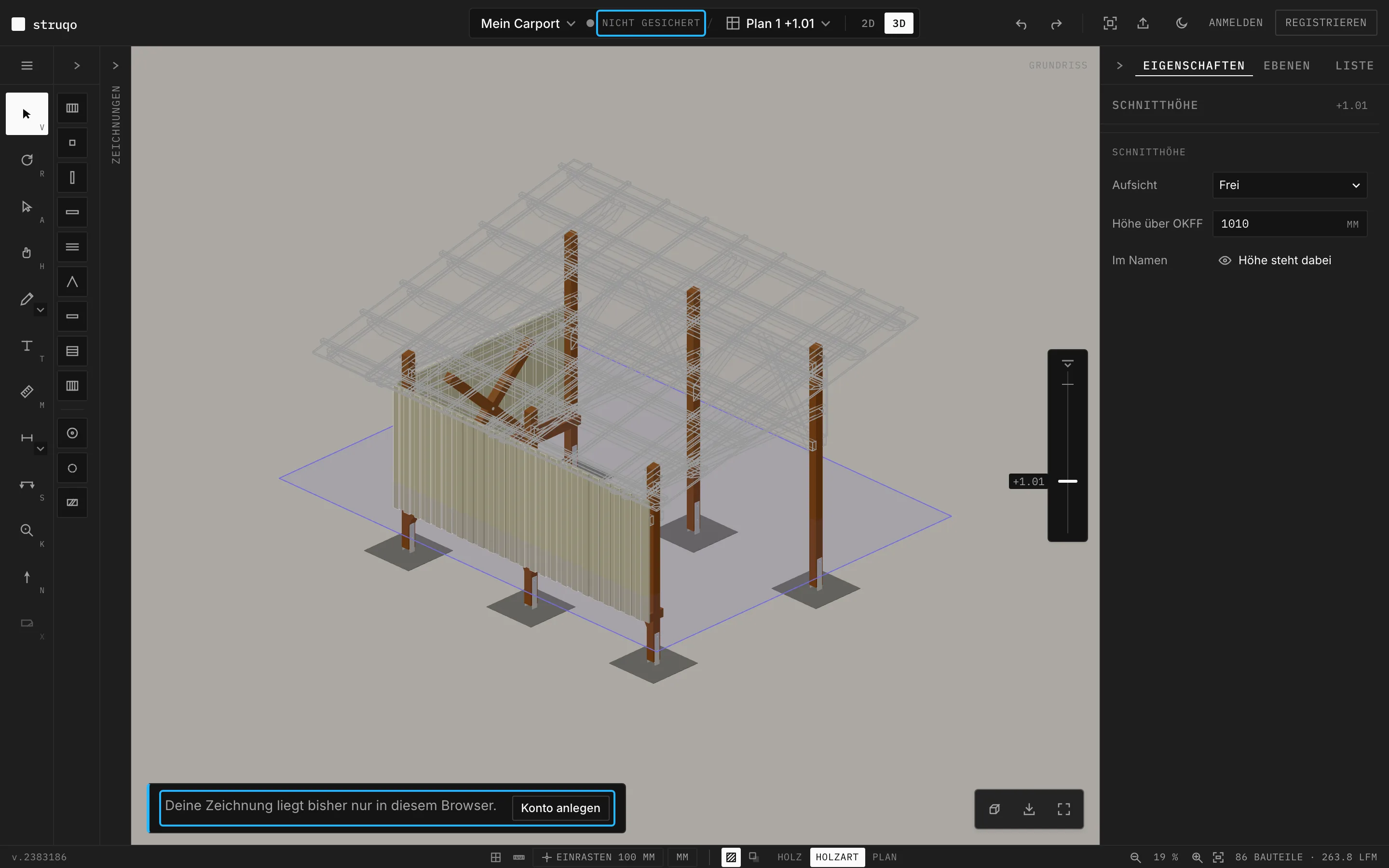
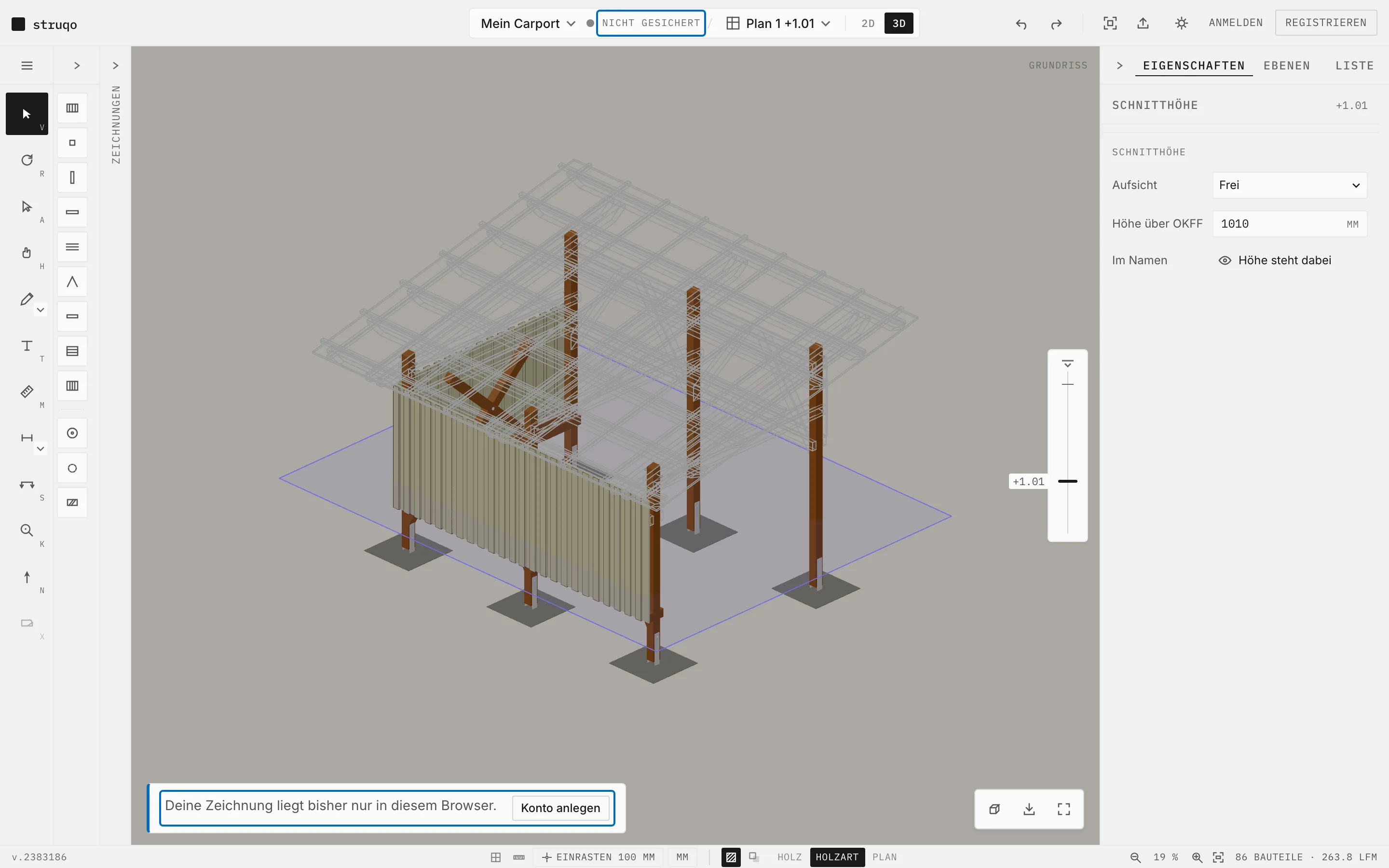
Without an account Struqo saves your work in this browser, two seconds after every change. The top then says “Not saved”, and a note at the bottom offers “Create account”. When you create an account or sign in, your draft moves into your projects.
More
- Another browser or another computer does not see this draft.
- If the browser clears its site data, the draft is gone. With an account it lives on the server.
What an account stores.
With an account your projects live on the server, each with all its views and settings. Struqo saves two seconds after every change. Under “Projects” you create new ones, rename, duplicate or delete them.
More
- You create an account with an email address and a password.
- You open your projects in any browser where you are signed in.
Where your data lives.
Account and projects are stored with Supabase on AWS servers in Ireland, the app runs on Vercel in Frankfurt. The database hands each project only to the account it belongs to.
The details are in the privacy policy.
More
- Struqo counts visitors with Plausible, without cookies and only on the public pages. Plausible measures nothing in the editor.
- The database itself controls access, with row-level security.
Take your data, delete your account.
In the settings, “Download my data” gives you a complete copy of your data as a JSON file. “Delete account” removes your account and all its projects, after a second confirmation.
More
- Deleting cannot be undone.
- The export rests on Art. 20 GDPR, the right to data portability.
Try it without an account
The example opens in the perspective, no sign-in needed.